

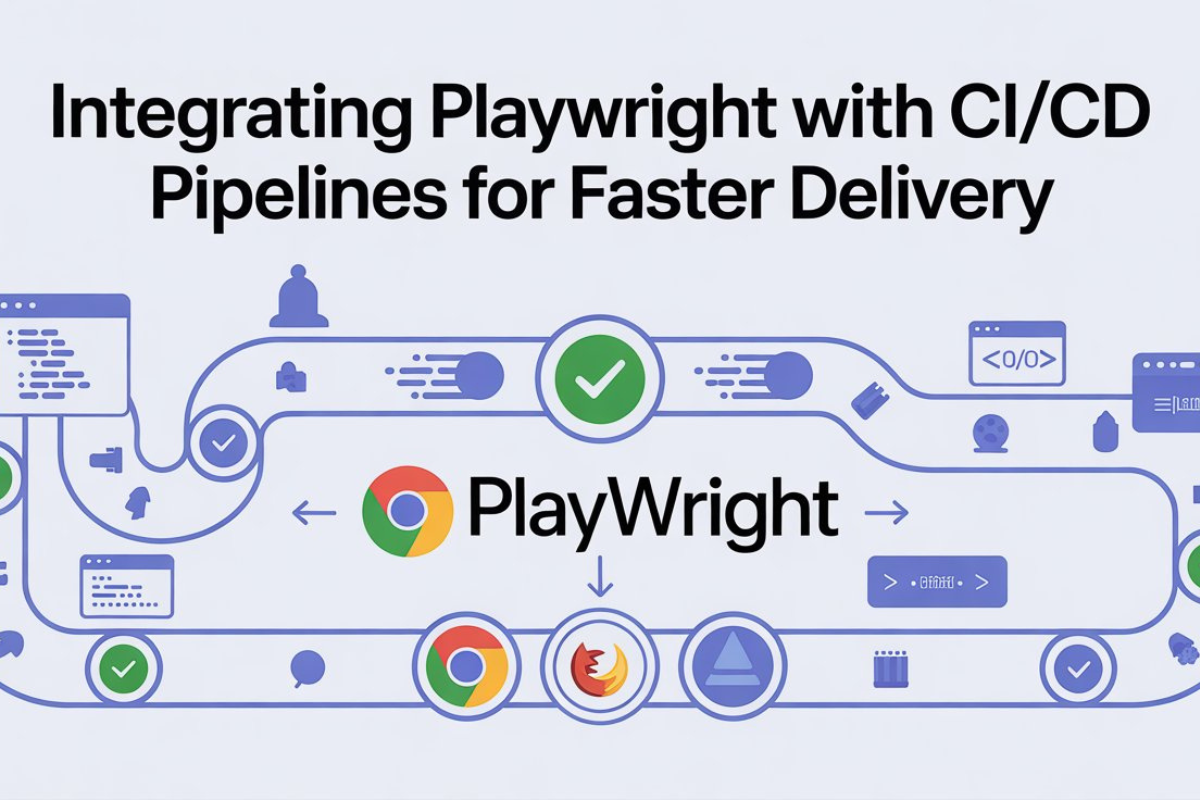
Integrate Playwright with CI/CD for Faster Automation
- ilam vizhi
- Education
- 2025-11-01
- 2147K
In today’s fast-paced software world, testing is no longer a phase — it’s a continuous process. Modern teams aim to build, test, and deliver software faster than ever, and the key to achieving that is automation. Among the new-age tools leading this transformation is Playwright, a robust framework from Microsoft that’s redefining end-to-end testing.
But testing locally isn’t enough anymore. To truly accelerate delivery, integrating the Playwright automation tool into your CI/CD (Continuous Integration and Continuous Deployment) pipelines is essential. Let’s explore how this integration empowers teams to release high-quality products at lightning speed.
⚙️ Why Playwright Fits Perfectly into CI/CD
CI/CD pipelines aim to automate repetitive processes — from building code to testing and deploying. Playwright, with its speed, reliability, and multi-browser support, fits perfectly into this workflow.
Here’s why QA and DevOps teams love it:
Cross-browser and cross-platform testing — Test seamlessly on Chrome, Firefox, Safari, and Edge.
Auto-waiting features — Eliminates flaky tests by waiting intelligently for elements to be ready.
Headless execution — Perfect for CI environments where tests run without GUI.
Parallel execution — Speeds up test runs significantly by running multiple cases simultaneously.
When combined with CI/CD tools like Jenkins, GitHub Actions, GitLab CI, or Azure DevOps, Playwright ensures every code change gets tested instantly — reducing bugs and improving reliability.
🚀 Steps to Integrate Playwright with Your CI/CD Pipeline
Set up Playwright in your project
Initialize Playwright using npx playwright install. This installs browsers and sets up the required dependencies.
Write your test scripts
Use Playwright’s simple APIs with TypeScript or JavaScript. If you’re new, this is the perfect time to learn Playwright and understand its test structure.
Create a CI workflow file
Define a YAML file in GitHub Actions or Jenkins to specify steps: checkout code, install dependencies, run tests, and generate reports.
Run tests in headless mode
This allows faster execution and makes it CI-friendly. You can configure the pipeline to automatically trigger on every pull request or commit.
Add test reports and artifacts
Integrate reporting tools like Allure or Playwright’s built-in trace viewer for visual debugging and test insights.
Once this setup is in place, your Playwright tests run automatically with every code push — ensuring faster feedback, early bug detection, and consistent software quality.
💡 Benefits You Can’t Ignore
Accelerated release cycles through automation and parallel testing.
Increased confidence in each build thanks to automated test verification.
Seamless collaboration between Dev and QA through unified CI/CD workflows.
Integrating Playwright into CI/CD is more than just a technical upgrade — it’s a culture shift toward quality-driven development.
🧠 Final Thoughts
If you’re serious about modernizing your testing strategy, start learning how to integrate Playwright into CI/CD today. A structured Playwright course online can help you understand framework design, reporting, and pipeline integration hands-on.
“Automation doesn’t just make you faster — it makes you fearless to innovate.”
With the Playwright automation tool, QA teams can achieve faster releases without compromising quality — shaping the future of web automation and continuous testing.
2147 people like this



About Premium Author
This post has been authored and published by one of our premium contributors, who are experts in their fields. They bring high-quality, well-researched content that adds significant value to our platform.
Leave a Reply
Please login to post a comment.







0 Comments